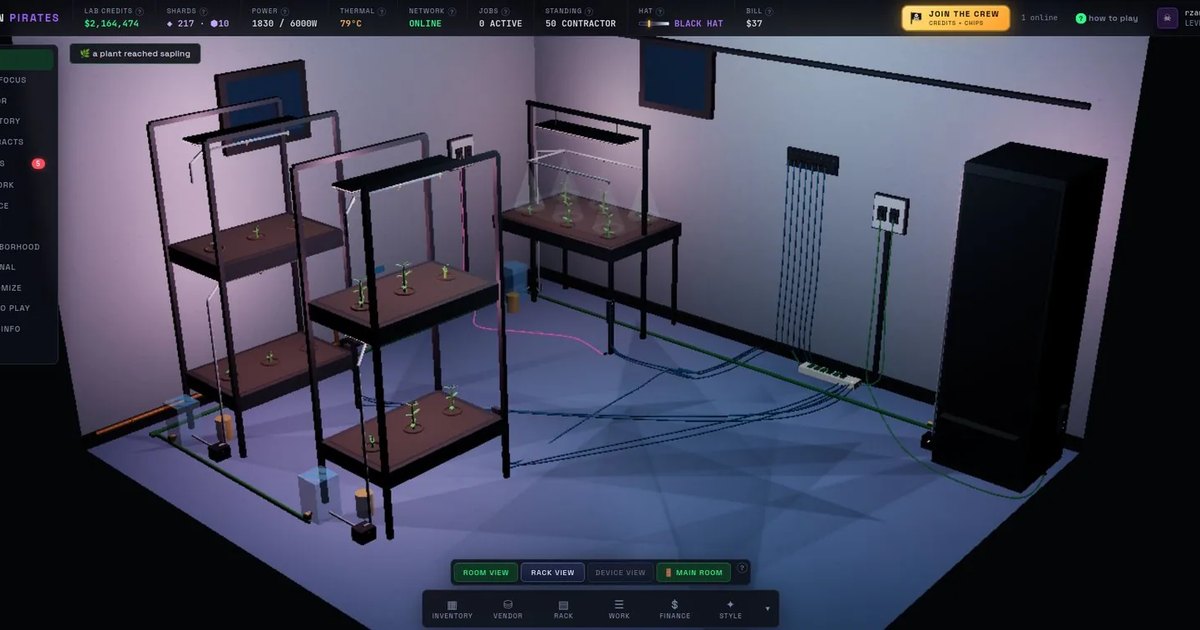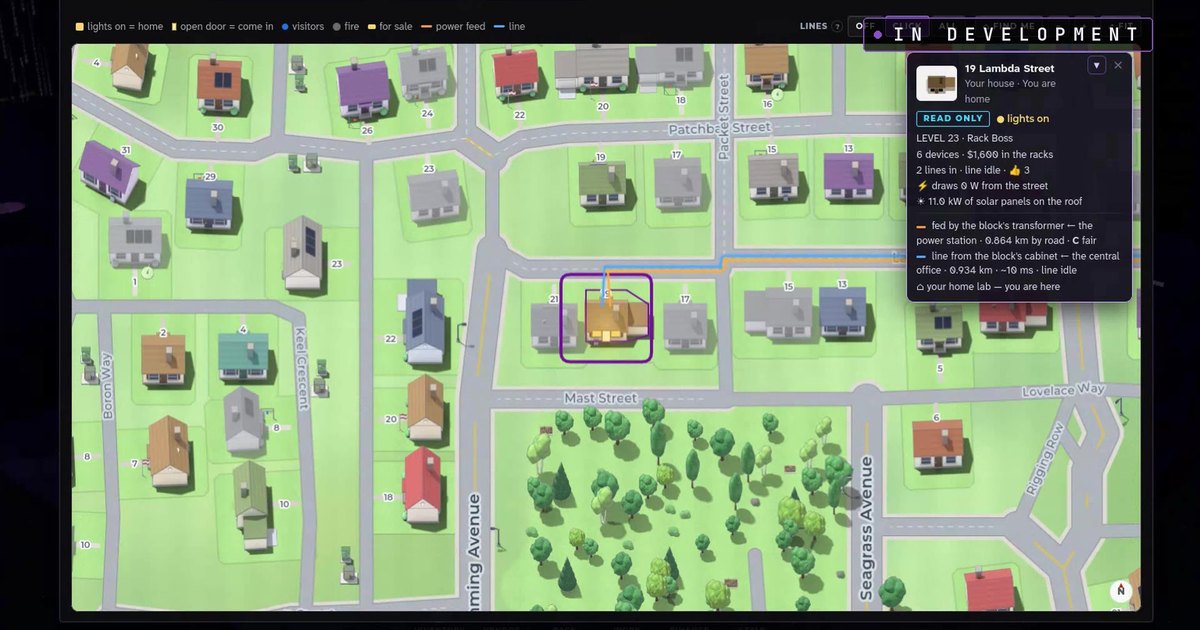
Silicon Pirates Update: The Audio Rack and Room Climate Are Live
Two updates are live in Silicon Pirates today: the Audio Rack and Room Climate. Both are in the free browser game at sp.silicon-pirates.com now, for every player, with no download.
The Audio Rack: play your own music in your lab
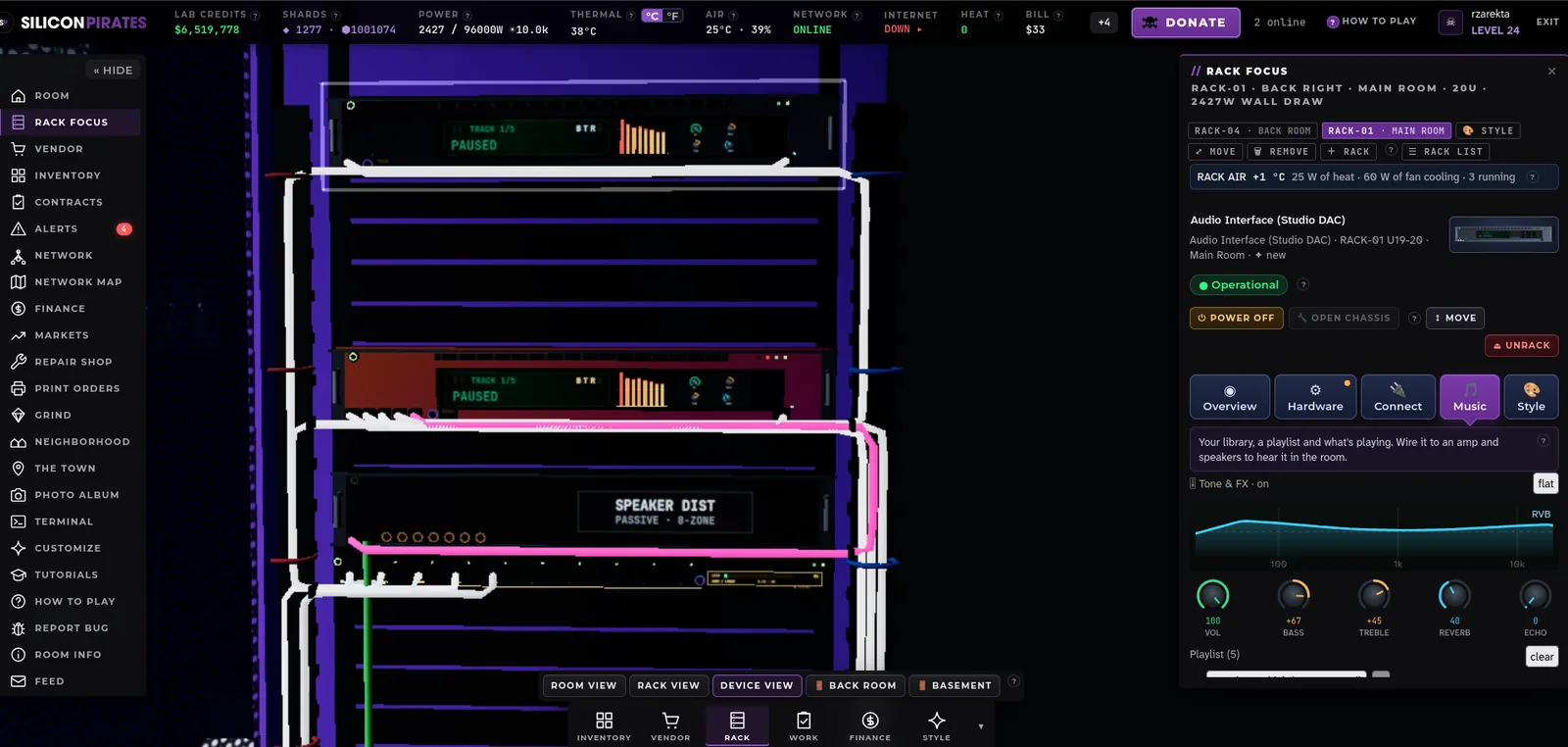
You can now put real audio gear in your racks. An audio interface holds your music, an amplifier drives it, and speakers put it in the room. Each comes in three tiers, from a cheap starter set to studio gear, and they follow the same rules as every other device in the game: they take rack space, they need power and a signal cable, and they make heat like any running box.
Upload your own MP3s, build a playlist and press play. The sound comes from where the speakers stand, so it gets louder as you walk toward them, and anyone visiting your lab hears it too. Better gear sounds better. A budget chain is thin and a little gritty. A studio chain is full and clear.
Every interface has dials for volume, bass, treble, reverb and echo, on the faceplate and in the inspector, and a graphic EQ that moves with the music. A passive speaker distributor fans one amplifier out to speakers in other rooms, so one playlist can fill the whole house. If your audio gear is on your network, a Now Playing neon sign on the wall shows the song. The terminal has an audio command, and the Automation Server can start, pause and quiet the music on a schedule.
Room Climate: every room has air now
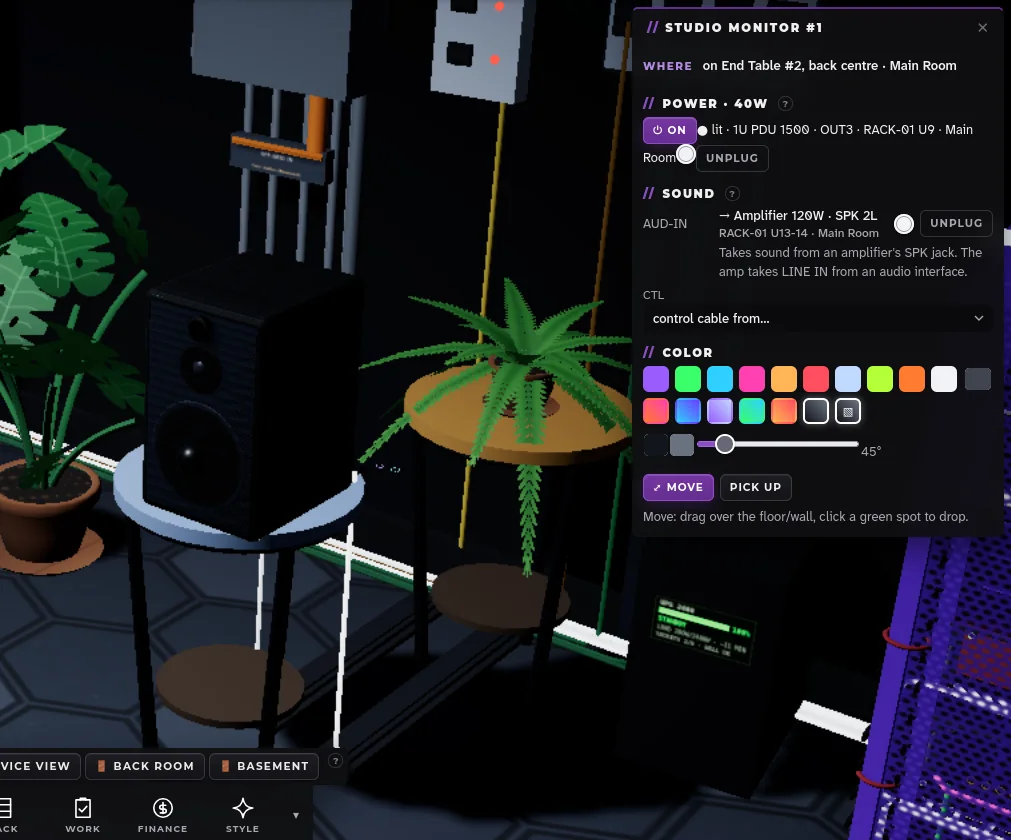
Every room in your lab now has a temperature and a humidity, and the things in it change them. Servers, lights and rigs heat the room. Plants, sprinklers and an aquarium add moisture. A hot room makes your machines run hotter and fail more often. A damp room corrodes boards. A dry room zaps memory with static. The HUD shows the air of the room you are in, and a CLIMATE panel says what is wrong and what to do about it.
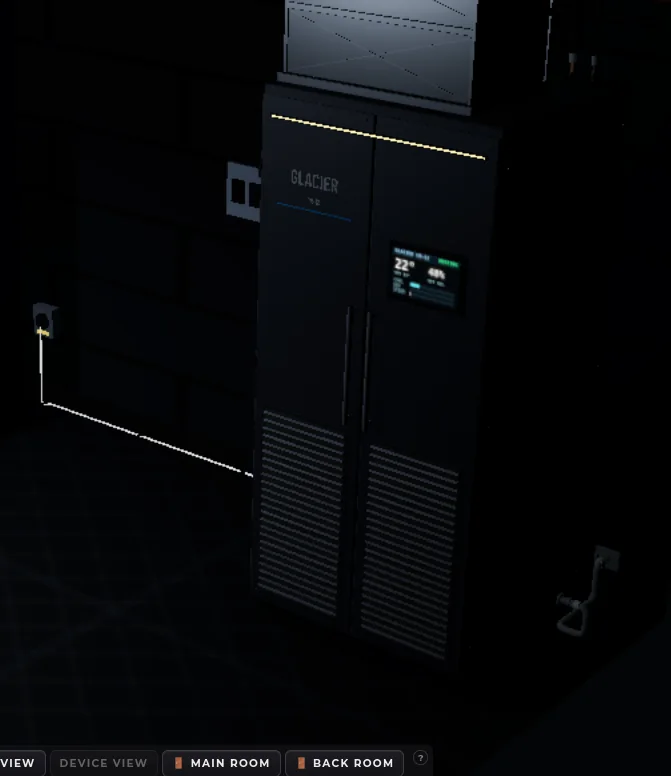
Three tiers of cooling fix it. The portable AC cools one room through an exhaust hose and fills a tank you empty. The mini-split throttles to exactly what the room needs and heats a cold room too. The Glacier CR-12 is a precision unit on the 240 V circuit that holds the humidity as well as the temperature. A dehumidifier dries a grow room, a humidifier fixes dry server air, and a room sensor feeds readings to your Automation Server. Filters clog and tanks fill, or you fit a drain hose and call a tech. The bigger units arrive as your lab reaches higher tiers.
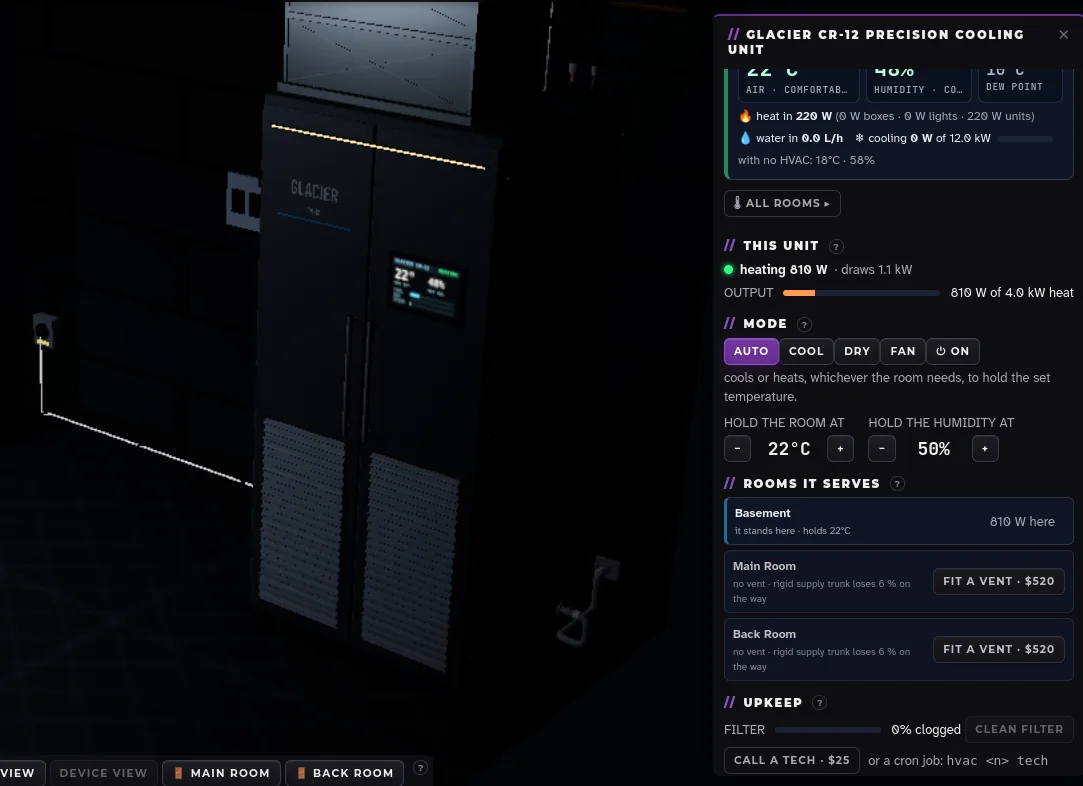
New with this release: vents. A cooler can duct its air into another room. Each room it serves gets its own set temperature and a damper, from the unit's panel or the terminal, and the duct loses a little on the way. One good unit can look after the whole lab, and your Automation Server can open and close the dampers on a timer.
How to try it
Open VENDOR in the game. The AUDIO shelf has the interfaces, amplifiers and speakers; the CLIMATE shelf has the cooling units. Rack the audio gear, wire it from the Connect tab (or press "Wire it up for me" on the Music tab), upload a track and press play. Stand a cooler in a warm room, plug it in, and watch the HUD's air reading fall. The what's new page and the roadmap on silicon-pirates.com list every system in the game today.
Thanks to everyone playing, reporting bugs and sending ideas. Both of these updates grew out of the suggestion box, and the next ones will too.
Questions people ask
Do I need anything to hear the music?
No. Silicon Pirates runs in your browser, and so does the sound. Upload MP3s from your own computer to an audio interface in your rack, wire it to an amplifier and speakers, and press play.
Can other players hear my music?
Yes. Anyone visiting your lab hears what your speakers play, from where the speakers stand in the room. Walk up to a speaker and it gets louder.
Does a room get hot on its own?
Only from what you run in it. An empty room sits at the house's own air. Fill it with servers, grow lights and rigs and it warms up; plants and sprinklers make it damp. A cooling unit brings it back.
What does a vent do?
A vent ducts a cooler's air into another room. That room gets its own set temperature and a damper you can open and close, from the unit's panel or the terminal, so one unit can cool several rooms.