I Turned My Gaming PC Into a Proxmox Node — and Got the Games Back Through a Stream
For years my homelab ran on a three-node Proxmox cluster, which sounds impressive until you learn that one node did all the work and that node was built in 2011. ClusterD — an i7-2600K old enough to have opinions about Minecraft beta — was carrying the databases, my AI assistant Luna, her camera, an image generator, and every dev box I own. I had promised that machine's tenants roughly 69 CPU cores. It has 8. That's not virtualization, that's subletting.
In August it crashed twice in one day and took an overnight AI training run with it. Meanwhile, under my desk, a Ryzen 3700X gaming PC with an RTX 2070 Super sat around holding 900 GB of games I wasn't playing. You can see where this is going: the gaming PC becomes the server, and the games come back as a stream.
The plan (write it down first, seriously)
Before touching a screw I wrote a plan, a runbook, and a checklist. The short version: the gaming
PC becomes devbox, a fourth Proxmox node — that's an operating system whose entire job is
running other computers inside it. It gets both good graphics cards: the RTX
2070 Super handed exclusively to a Windows VM via GPU passthrough — VFIO, the trick where you tell
Linux a card doesn't exist so Windows can own it completely — and the RTX 3060 (pulled out of the
old server) shared by the AI stuff. Every service moves over. The 2011 machine keeps only the
databases and retires to a quiet life. And an idle mini-PC leaves the cluster to become my actual
desktop, which will stream the Windows machine over
Moonlight when I need it —
Netflix, except the show is my own PC in a rack.
Moving day: eight computers, one command each
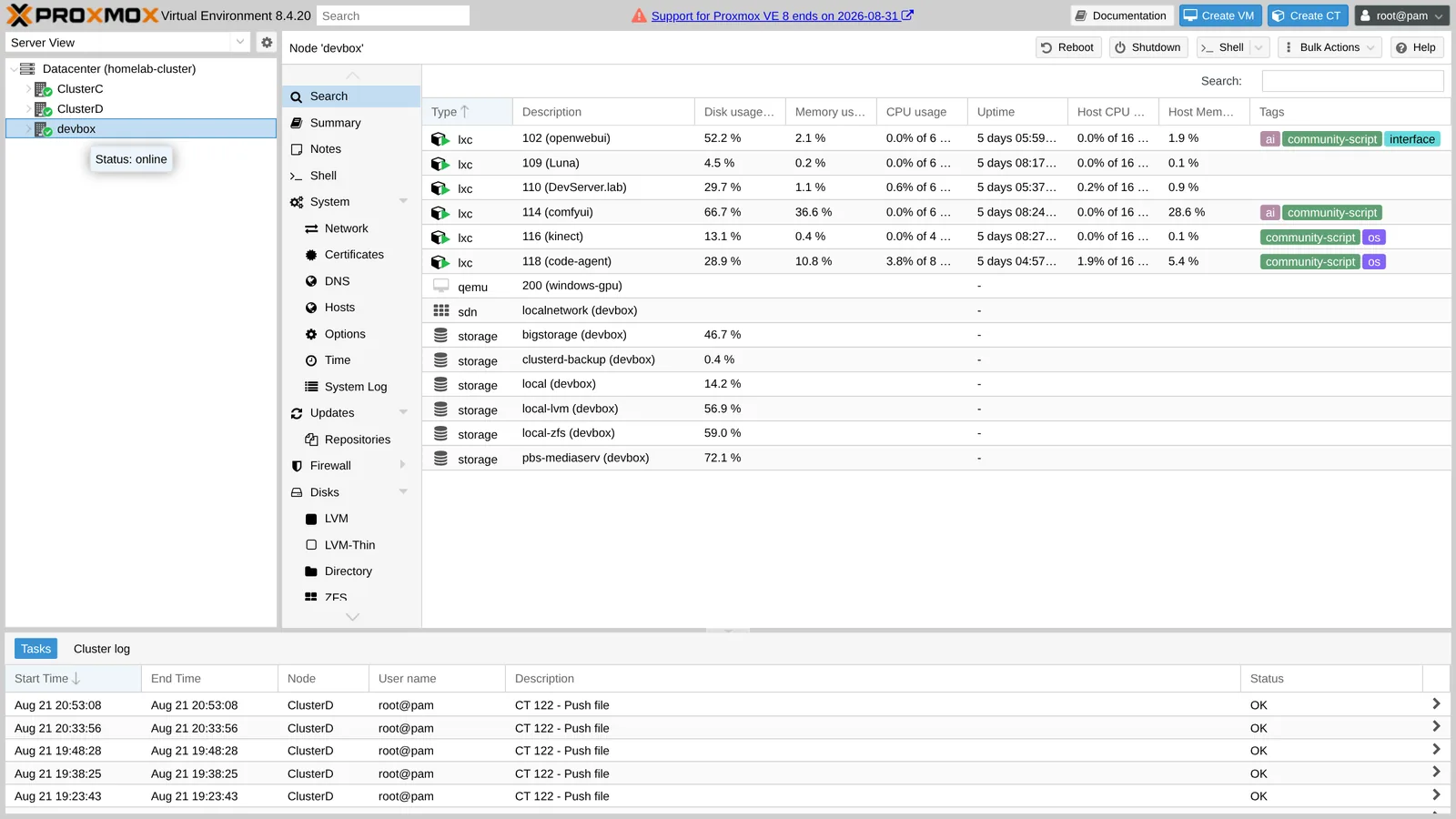
Here's the part that still feels like cheating. Each service lives in a container — think of it as
a computer in a box — and Proxmox moves a box between physical machines with one command:
pct migrate. The AI models, the search engine, the box that runs a client's
production site — each one packed itself up, travelled across the network, and woke up on the new
machine with the same address, like a fish tank moved between houses without the fish noticing.
The image generator took 67 minutes because it hoards 198 GB of models. The funniest one was the
container running the AI coding assistant that was helping with the migration — moving it kills it,
so it wrote me a step-by-step "here's what YOU type" doc, I ran its own migration from my desk, and it
came back up on the other side and read its own instructions.
The part where the hardware fights back
Software moves were boring (good). Hardware was not. Highlights from the incident log:
Moving the 3060 into the new machine renumbered every address on the motherboard — five boots with no network, because the network card was suddenly living at a different address and nothing had been told. Worse: the Windows VM's graphics card was assigned by address too, and at its old address there was now the disk controller. Had that VM auto-started, it would have yanked the hard drives out from under the running server. It didn't, barely. Everything is pinned by name and ID now, and the runbook has a new commandment.
Also in the collection: a BIOS setting where "Auto" secretly means "Off", a graphics card that is secretly four devices in a trenchcoat and all four must be handed to the VM together, and a GPU whose firmware couldn't produce a boot screen until I fed it a cleaner copy of its own brain downloaded from the internet. Every one of those is now one line in the runbook.
The genuinely hard one: headless game streaming
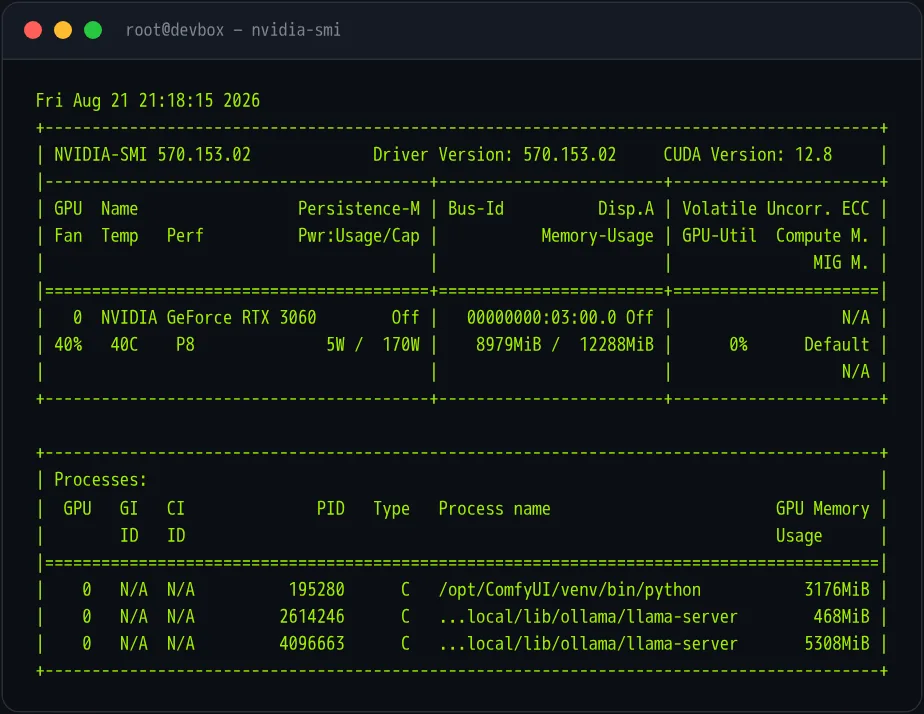
Moonlight streaming from Apollo (a fork of Sunshine) worked perfectly — as long as a monitor was plugged into the server. Unplug it and the stream went black, because Windows, reasonably, refuses to draw a desktop nobody is looking at. The modern fix — Apollo's built-in virtual display driver — turned out to need a Windows newer than the ancient 1903 image I'd installed. The actual fix was gloriously old tech: usbmmidd, a fake USB monitor driver from the pre-modern era, convinces Windows that a 1080p screen exists; VB-Audio's virtual cable convinces it that speakers exist; and the 2070 Super does the real rendering and NVENC video encoding like nothing happened. Auto-logon, two scheduled tasks, reboot-tested, cold-boot-tested. The machine now boots headless in a rack, hallucinating a monitor, and streams games to my little Linux desktop beautifully.
Aftermath: the quiet victory lap
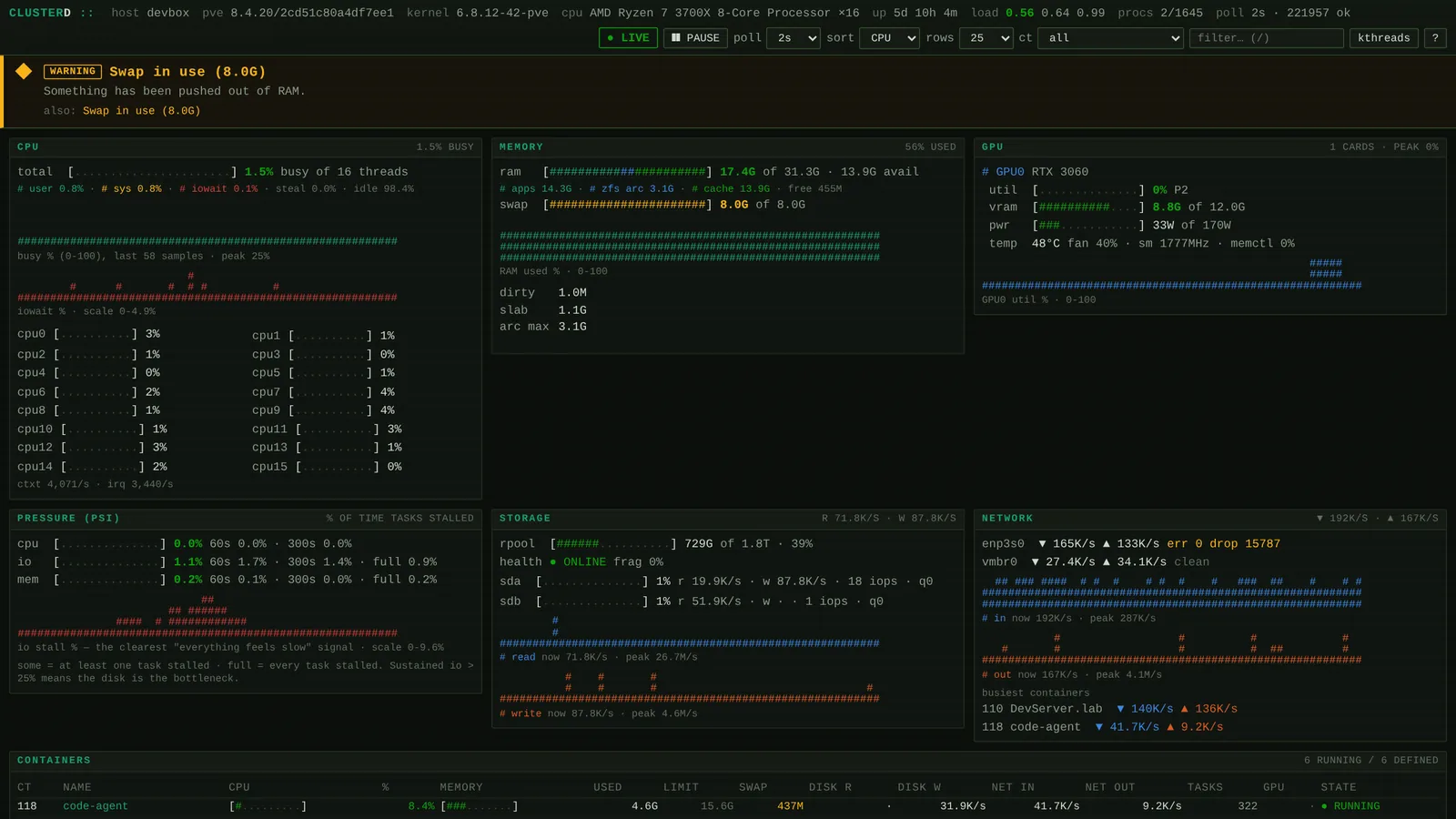
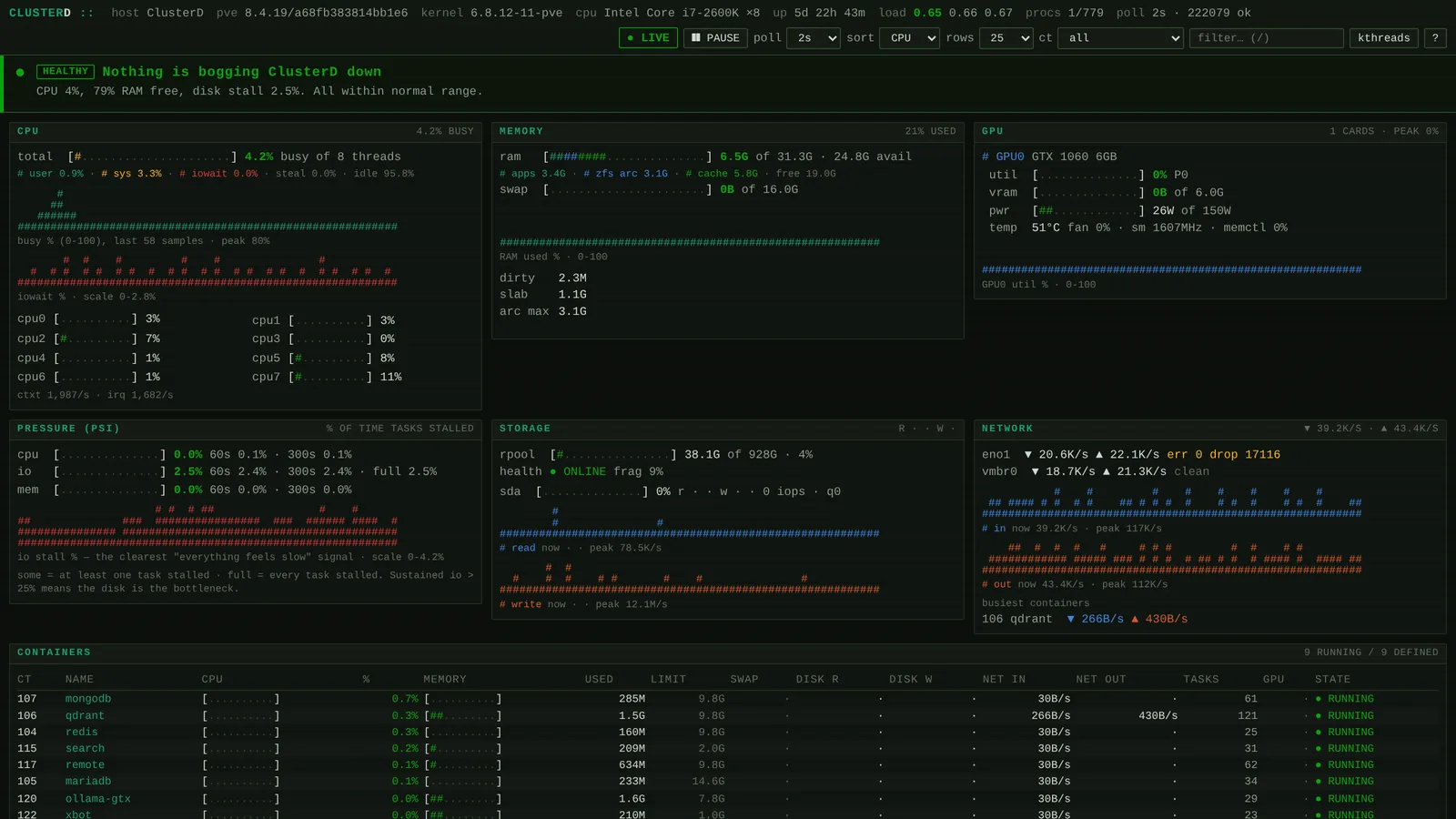
The old server's load average went from 672 (a number that means "send help") to 0.4. The cleanup also caught the silent stuff that hurts you six months later: the backup job was pinned to the old node and had been politely skipping every machine that moved — no error, no backups. Fixed, plus a weekly copy to the NAS.
Would I do it again?
Yes, and faster, because the notes exist now. The software part of moving eight computers was almost boring; everything that hurt was hardware telling the truth in its own dialect. Net result: the real workloads run on a machine from this decade, the old node hums along at 4% CPU, my desktop is a tiny Linux box that borrows a real GPU when it needs one — and the games still work.
The gaming PC didn't retire. It got promoted.
Enjoy watching other people's servers suffer? We turned exactly this hobby into Silicon Pirates, a browser game about running racks like these. And if you'd rather someone else eat the five failed boots — homelab and server builds are one of the things you can hire us for.